
Common sizes, ready to choose
Choose presets including 35×45 mm, US 2×2 in, or Canada 50×70 mm, then check your issuing authority’s current requirements.
AI ID photo · 8 Credits
Choose a size, background, and clothing in the AI workbench — no prompt writing. Review the result and check your issuing authority’s current rules before use.
Sign in to use the AI workbench · 8 Credits per generation
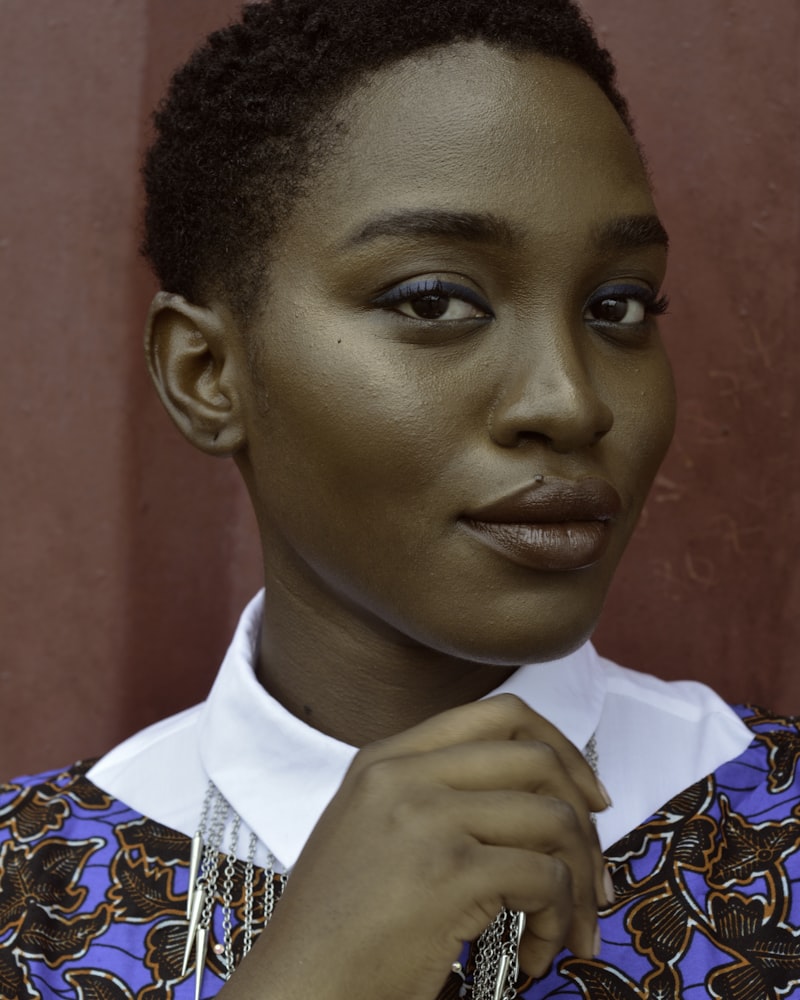
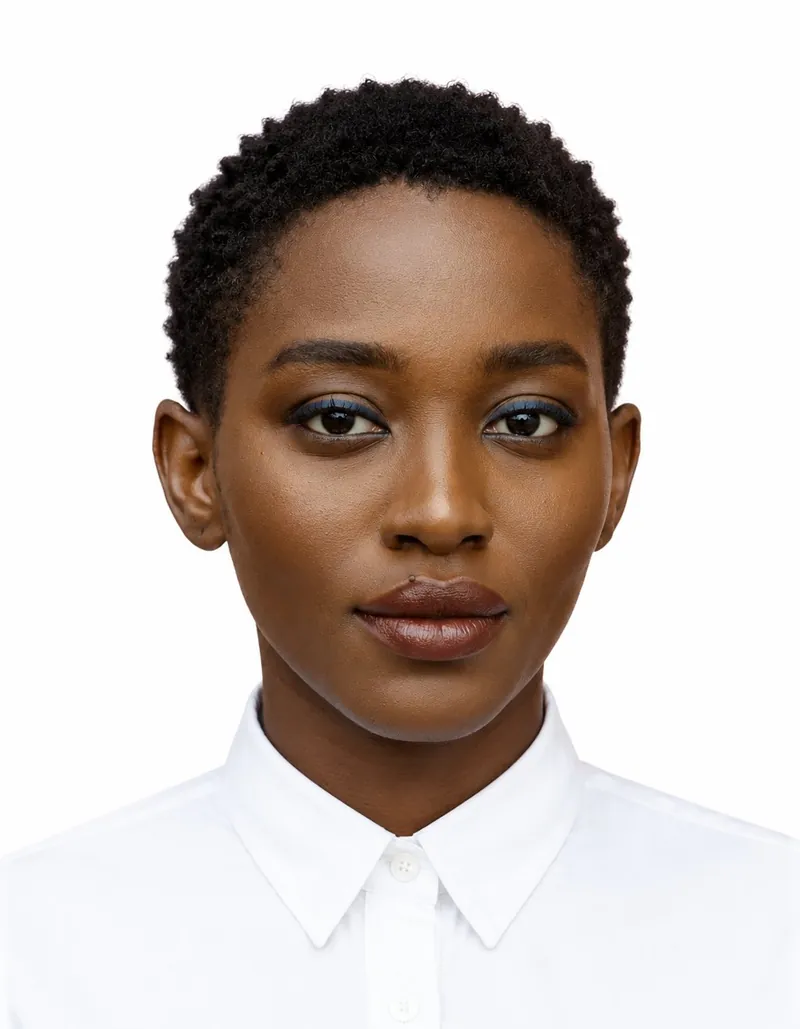



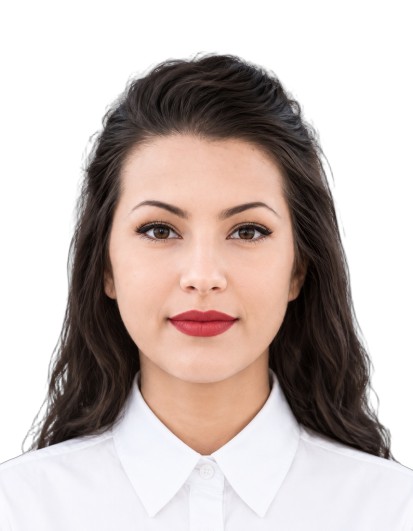


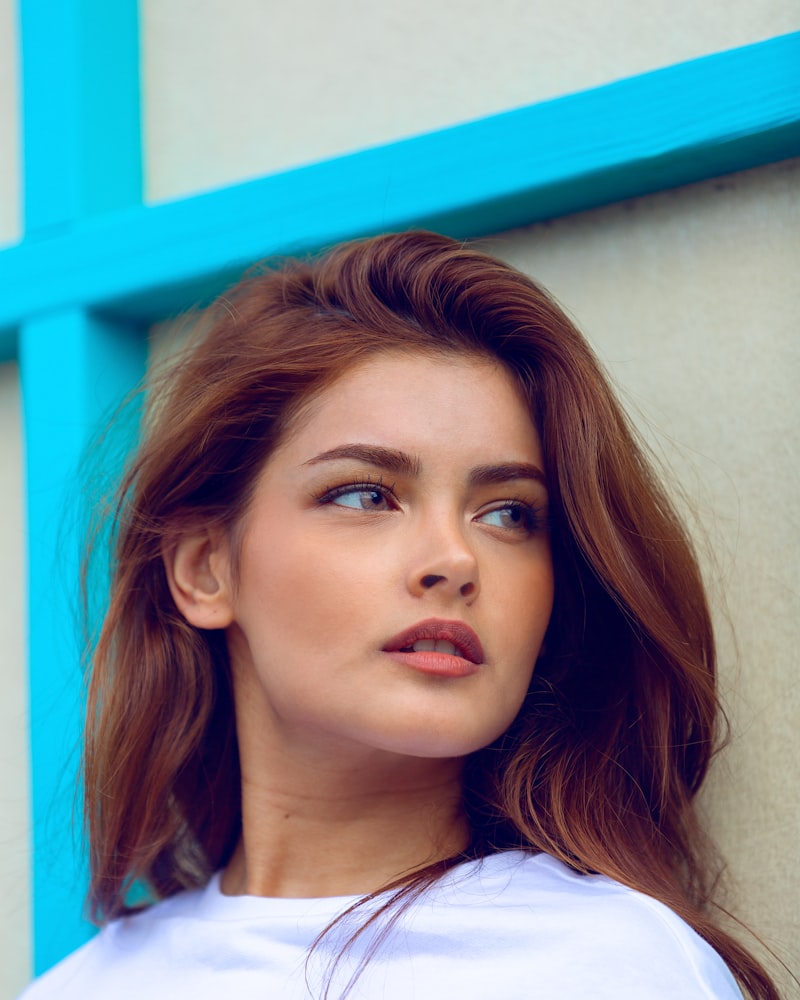
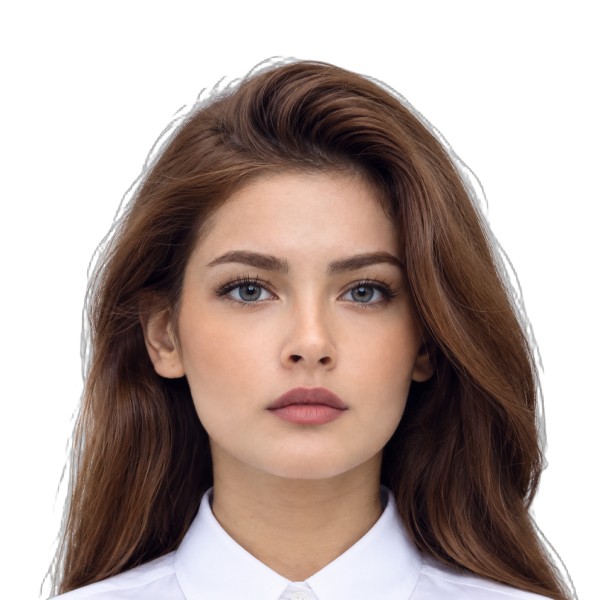




Illustrative size comparisons, not verified submissions. Check issuing authority rules before use.
AI powered · 8 Credits
Choose presets including 35×45 mm, US 2×2 in, or Canada 50×70 mm, then check your issuing authority’s current requirements.
Use one source portrait to generate multiple size variants in the AI workbench.
Add more than one person in the workbench while keeping each person’s size choices together.
Choose size, background, and clothing from the options; the AI workbench handles the prompt.
What you get
Examples show how common size presets differ; check each issuing authority’s current requirements before submitting.
Portrait example2×2 in · white · 600×600Illustrative framing; check the current US requirements before submitting.
Portrait example35×45 mm · ICAO · 413×531Common passport-size preset; verify the current rules for your destination.
Portrait example50×70 mm · 591×827Taller frame than 35×45 mm; verify current Canadian requirements before submitting.
Same portrait. A frame to review.
Use these visual checks as guidance, then confirm the current rules with your issuing authority.
× Bookshelf, window, pattern
✓ Plain white or off-white
× Full torso, lots of ceiling
✓ Head sized for the selected specification
× Lamp or sun on the wall
✓ Even lighting with no strong edge shadow
× A 35×45 sent to a US portal
✓ Pixels matching the selected specification
Checks to review before submitting
The AI workbench requires sign-in and costs 8 Credits per generation. Browser-only crop, compress, and convert tools remain free.
Upload, choose a size, and generate. Continue in the AI workbench.
Sign in to use the AI workbench · 8 Credits per generation