
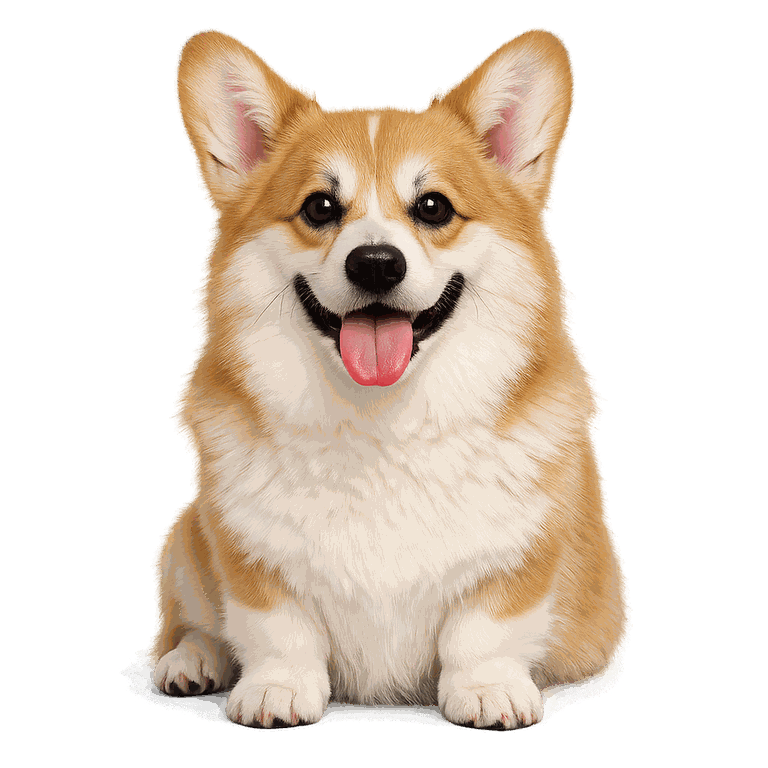
Hair-level edges
Keeps fur, curls, and wispy details intact instead of clipping them into a halo.
AI background removal · 1 Credit
Create a clean cutout from people, pets, or products in the AI workbench. Compare the result, then download a transparent PNG.
Sign in to use the AI workbench · 1 Credit per image


See it in action
Drag the divider to see the original photo and the cutout result.
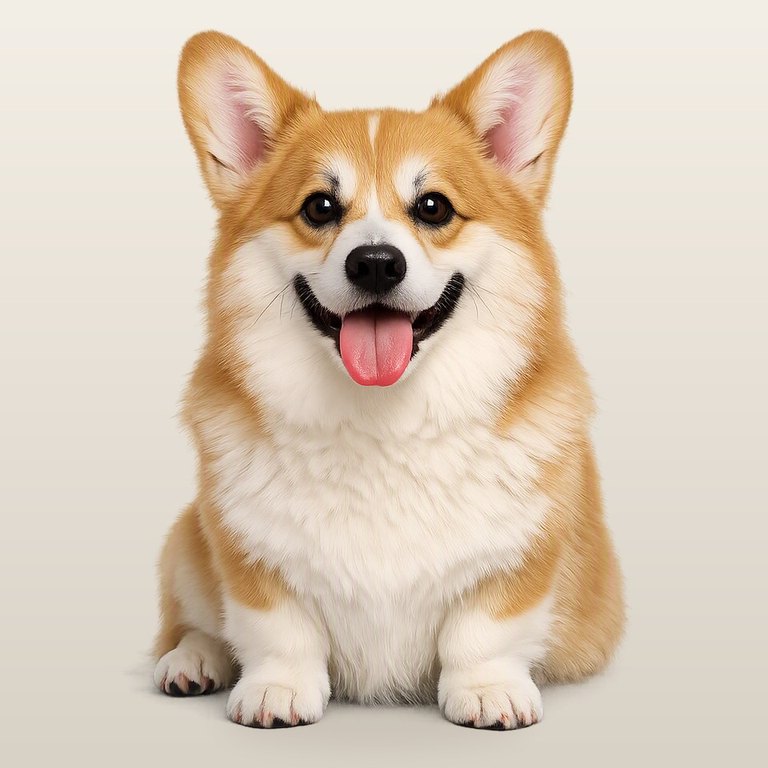
AI powered · 1 Credit
Create a clean cutout from people, pets, or products in the AI workbench. Compare the result, then download a transparent PNG.
Keeps fur, curls, and wispy details intact instead of clipping them into a halo.
Process in the AI workbench, compare the cutout, and download a transparent PNG for your next design.
Results stay available for 30 days so you can download them even if this tab is gone.
No subscriptions required for a single cutout — buy Credits when you need more.
Open the AI workbench, add your image, and remove its background for 1 Credit.
Sign in to use the AI workbench · 1 Credit per image