
One pass
No separate colorize or upscale steps. Upload, process, download.
AI old photo restore · 4 Credits
Restore faded or scratched photos in the workbench. Compare with the original, then download.
Sign in to use the AI workbench · 4 Credits per image
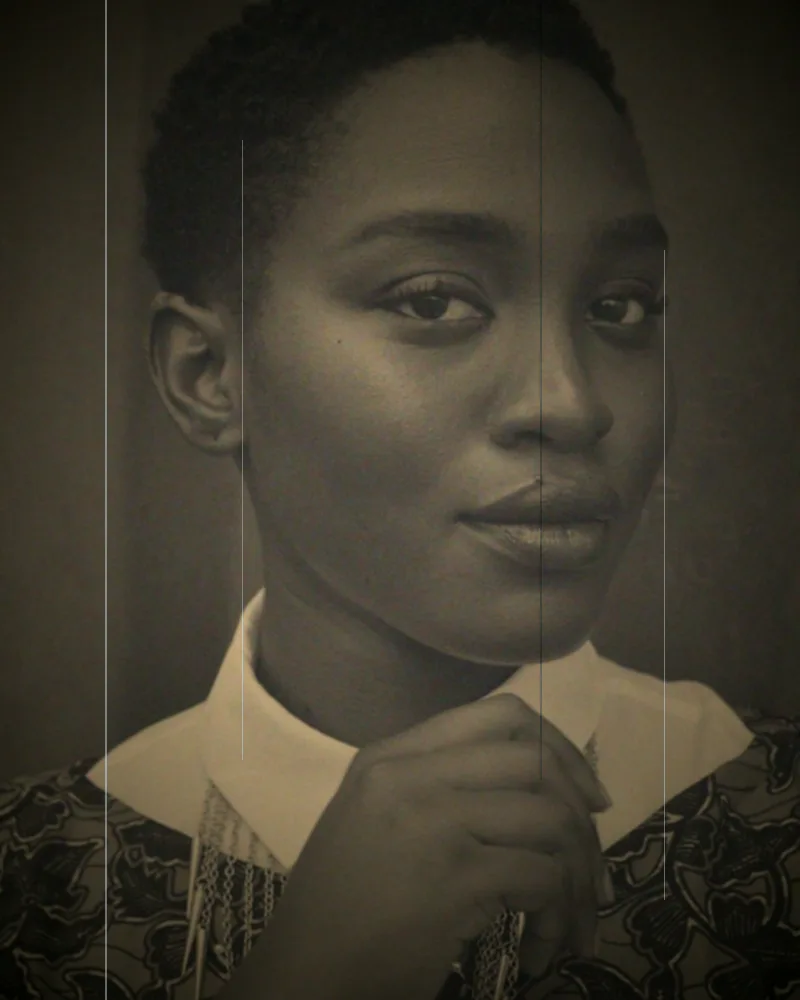

See it in action
Slide between the original and the restored result.
AI powered · 4 Credits
Restore faded or scratched photos in the workbench. Compare with the original, then download.
No separate colorize or upscale steps. Upload, process, download.
Built for blurry or dusty portraits.
Check the original against the result before you download.
If processing fails, the reserved credits come back.
Have a photo ready? Continue in the workbench.
Sign in to use the AI workbench · 4 Credits per image